
Hello! This is Juham, a SketchUp and Enscape expert!
Enscape 4.4.0 was officially released on February 26th.
Only a month after the 4.3 update, we’re already seeing 4.4,
which makes me think they’re setting the stage for the big jump to version 5.0.
Interestingly, they haven’t released the usual Enscape update videos twice in a row!
👉 Download Link:
Enscape 4.4.0 Update
Note: SketchUp 2025 is compatible with Enscape 4.5.
1. Checking the Update Details
According to the update notes, the key focus in this update is on Self Illumination.
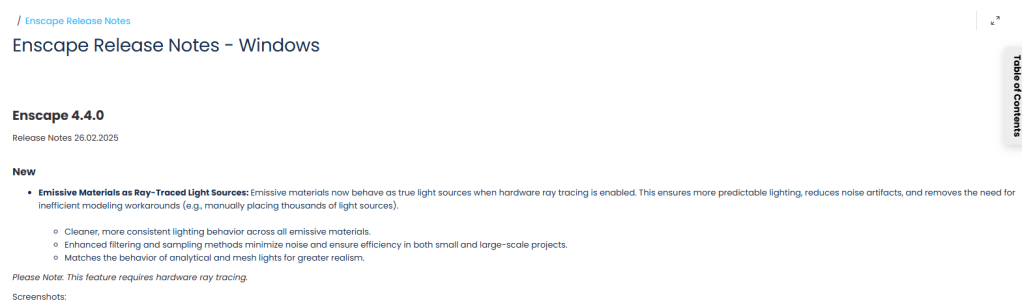
Now, self-illuminated materials can act as ray-traced light sources.
In simpler terms, self-illuminated materials will now actually emit light, not just simulate it visually.


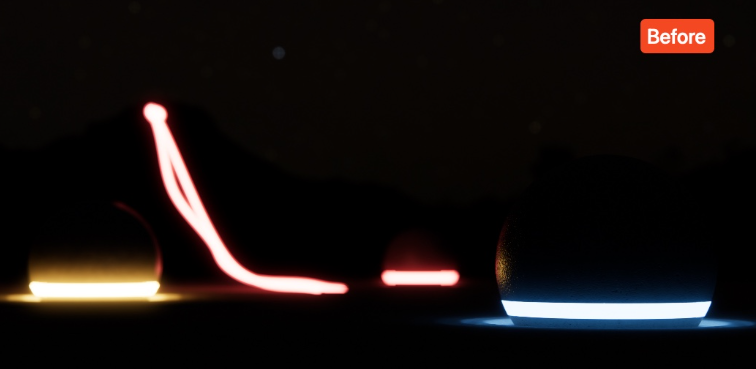

2. Wait, didn’t they already emit light?
You might be wondering, “Weren’t self-illuminated materials already glowing?”
Well, yes and also no.
Before version 4.4, self-illumination was a fake light source —
it looked like it was emitting light but didn’t actually cast any.
If you tried to use self-illumination to light up an interior,
you’d end up with a lot of noise and poor quality because there was no real light source.
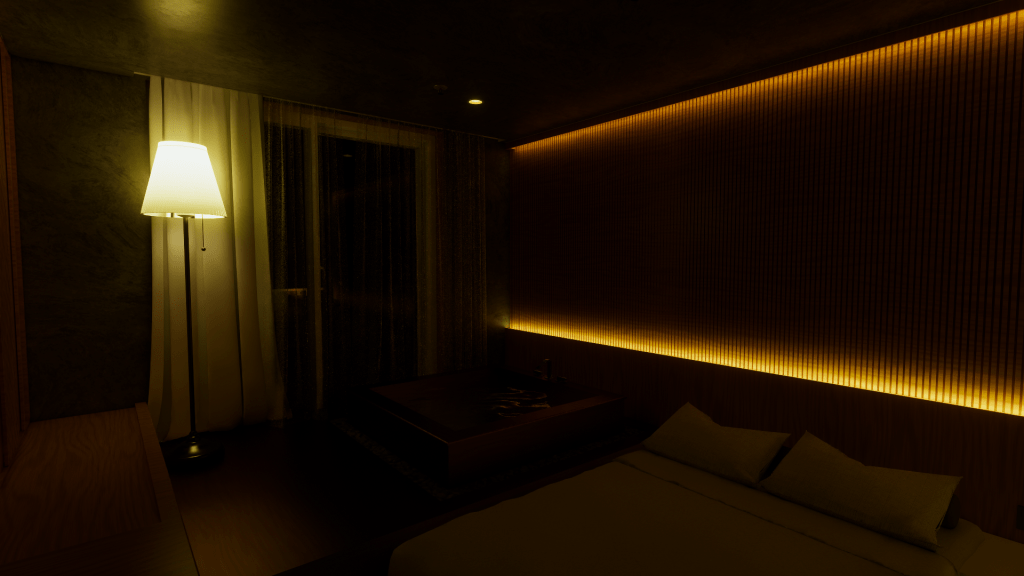


Now, with 4.4, self-illuminated materials can actually emit light when ray tracing is enabled.
This is a game-changer for achieving realistic lighting without adding extra light sources.
3. So, how does this change things?
Previously, my workflow was to add self-illumination first,
then use a rectangular light to enhance the effect if needed.
Now, with 4.4, self-illumination itself can handle the lighting,
making the process more efficient.
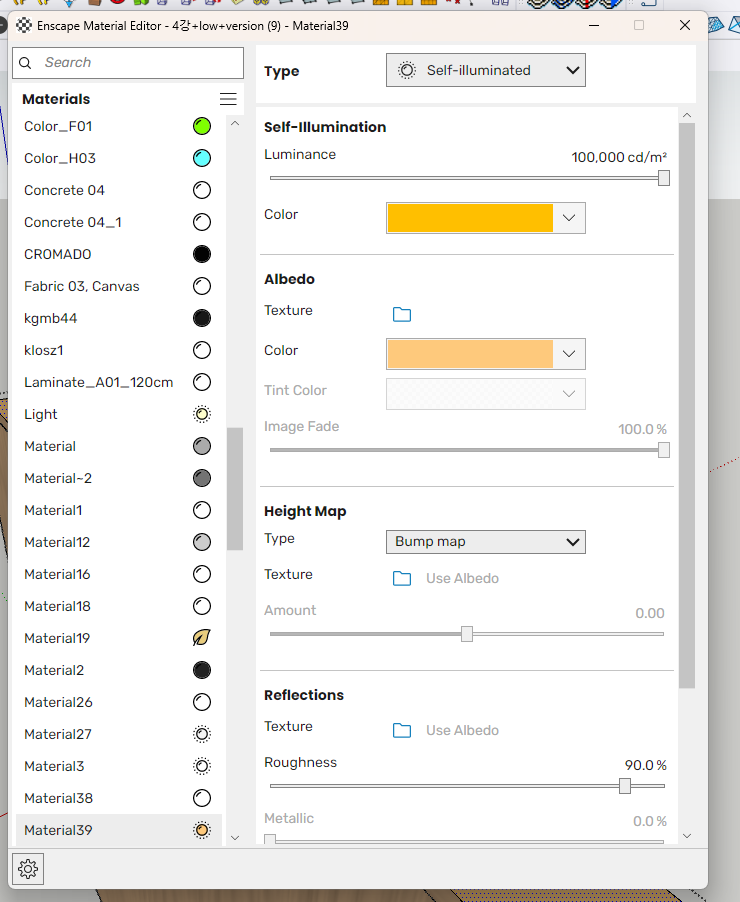
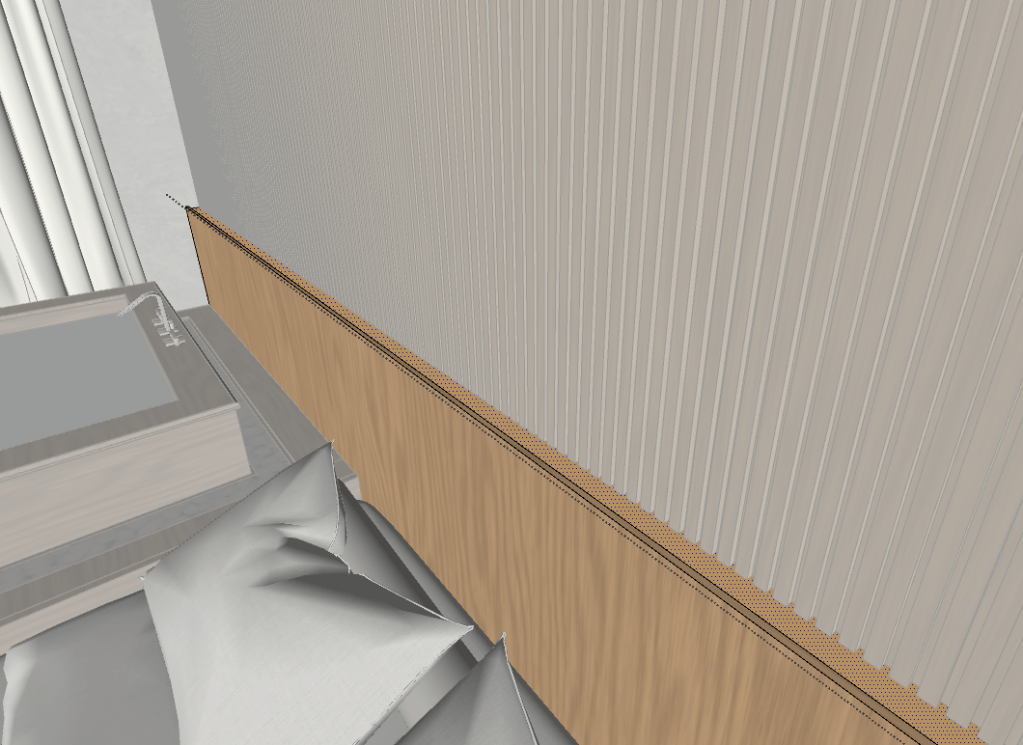
For example, I applied a self-illuminated material to a lightbox,
and the result was crisp and clear without any additional lights.
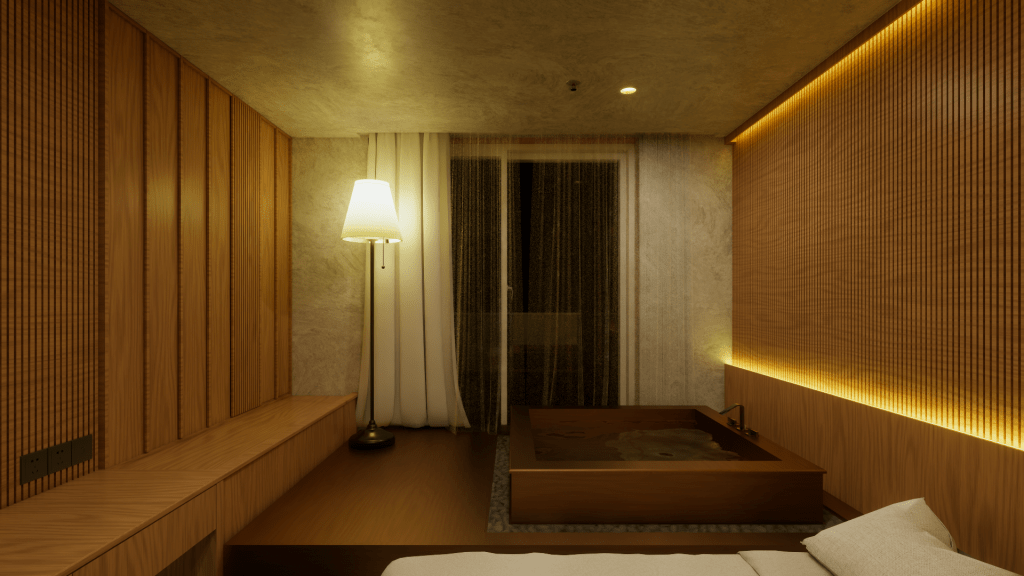
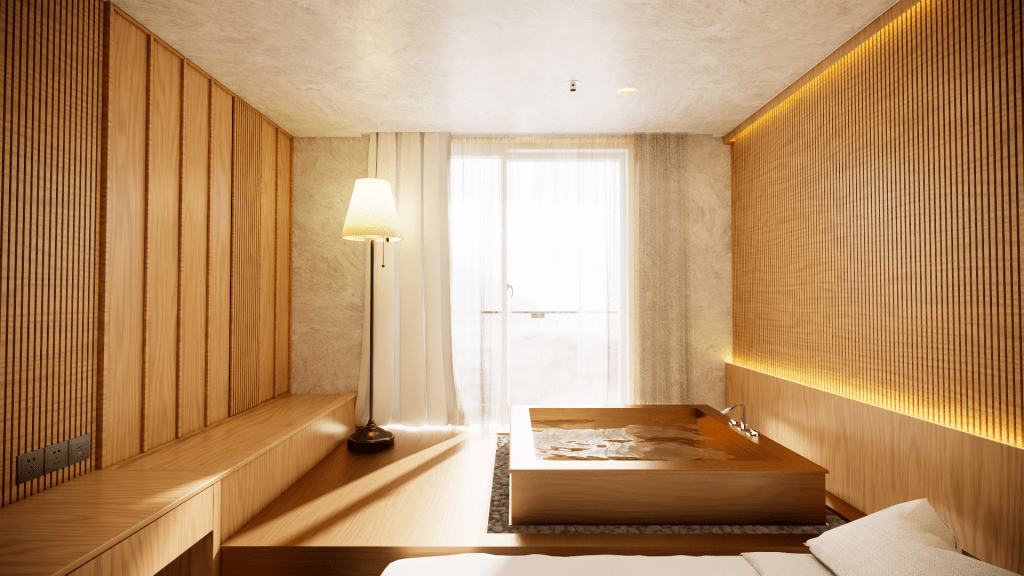
The same goes for creating backlit mirrors or illuminated signs.
It’s all about using the self-illumination map effectively.
4. The Real Difference — Rendered Output
The most noticeable difference is in the final render output.
In real-time preview, you may not see much of a change,
but once the render is processed, the light emitted by the self-illuminated materials becomes much more pronounced.


Left: Real-Time Preview / Right: Final Render
Conclusion
Enscape has truly evolved into a serious rendering tool for practical use. This update is one of the most impactful changes for advanced users, especially those who work extensively with lighting.
I suspect Enscape is preparing for a big 10th-anniversary update soon.
Exciting times ahead — let’s stay tuned!
If you have questions or want to learn more about Enscape,
come to my youtube channel and ask anything about sketchup & Enscape!
 JOOHAM RENDER